Reference 01 / Folio
Notion-inspired React website template
Inspired by Notion
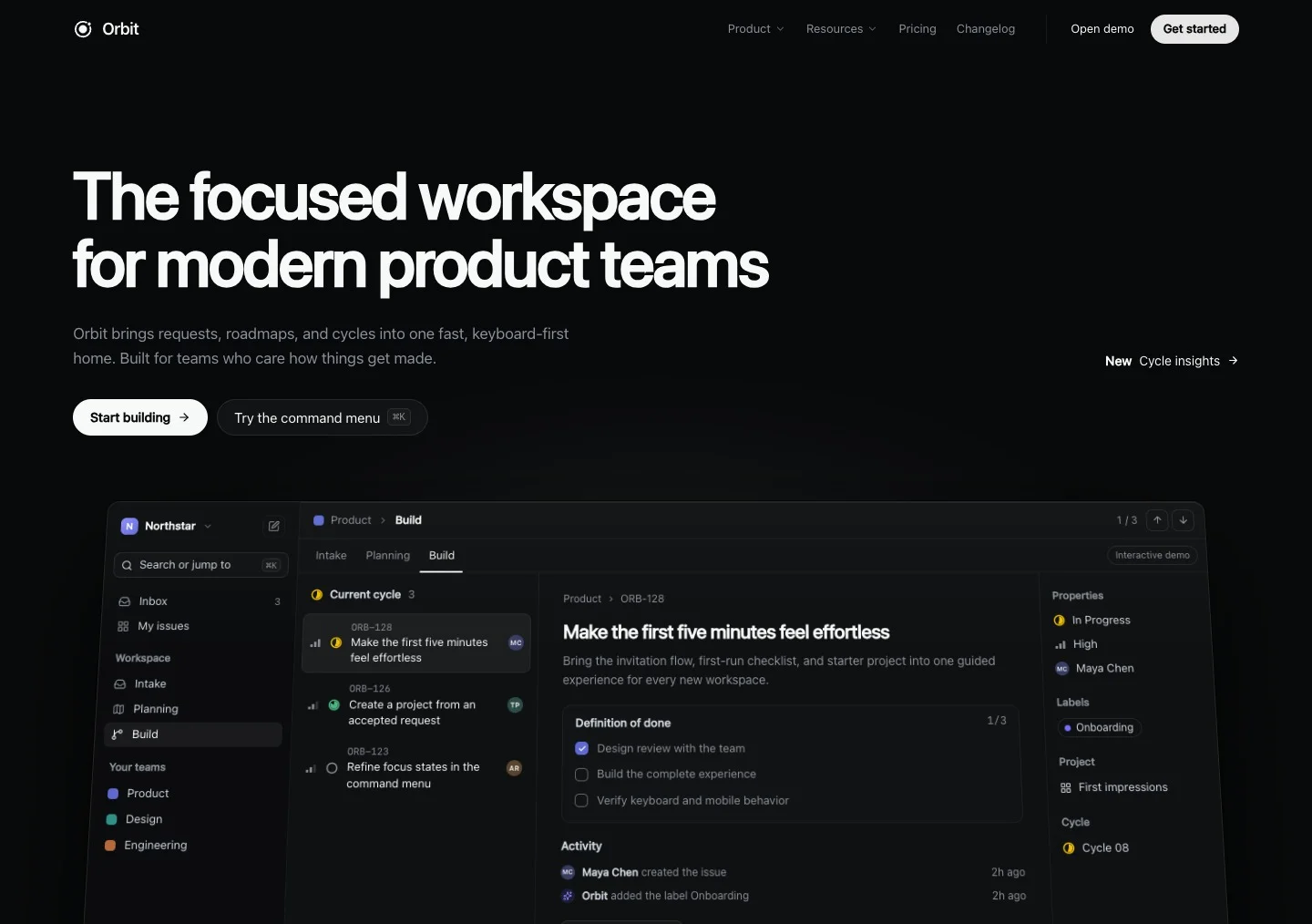
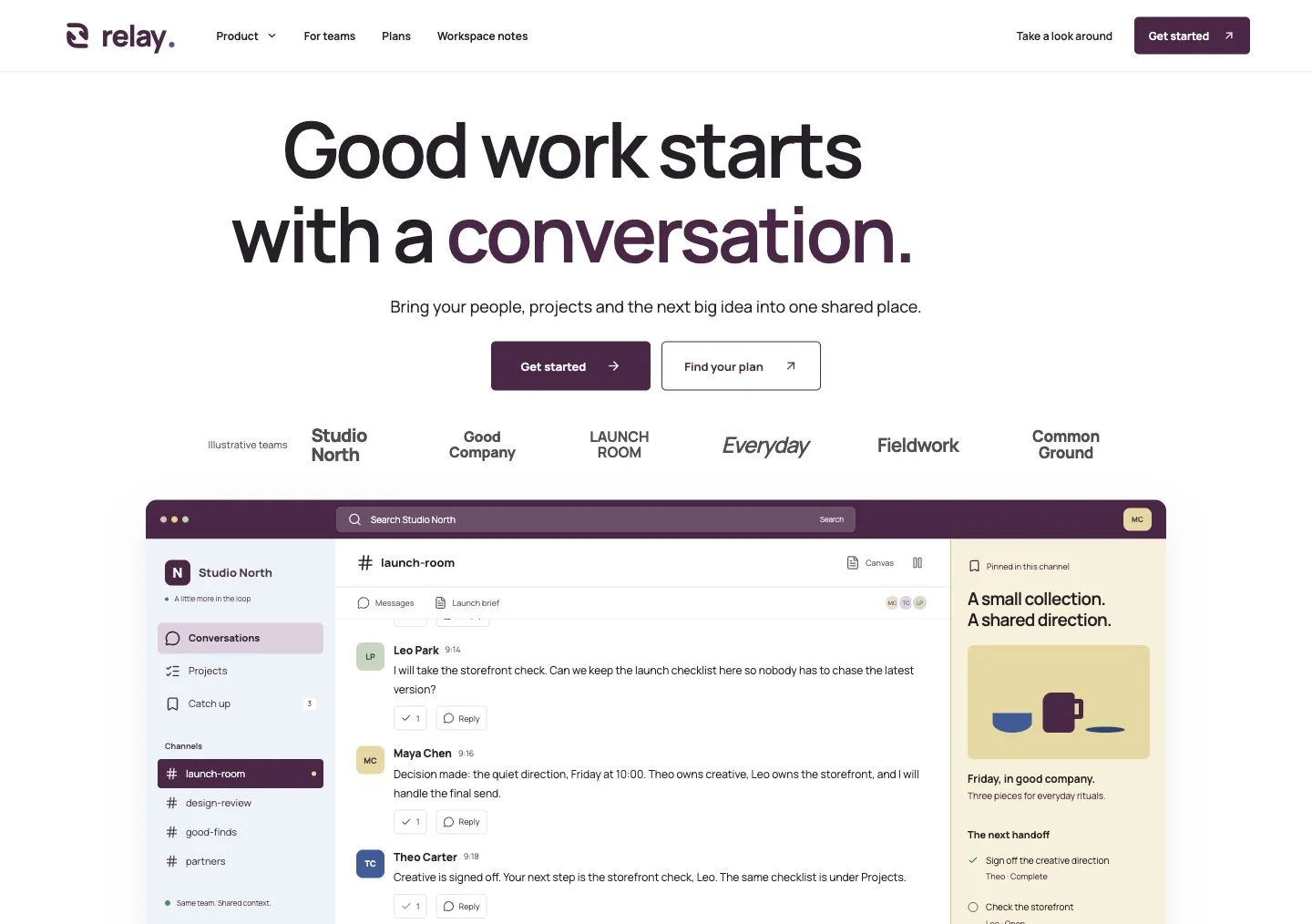
Folio pairs an editorial product website with a working workspace demo. Explore Docs, Projects and Knowledge, then adapt the React source or use the included prompt with Claude Code or Codex.
Get the source and promptOriginal recreation with fictional branding and demo data. Explore the page inside the preview.
Inside the recreation
A connected workspace with Docs, Projects, Knowledge, template detail pages, source-backed answers, and shared task state.
Pages and sections
- Hero with a live working workspace
- Docs, Projects, and Knowledge pages
- Template gallery and three detail pages
- Workspace notes and illustrative plan comparison
- Guided walkthrough, FAQ, and connected tasks
Adapting the page
Replace the sample launch brief, project tasks and research documents with your own product story. Keep the connected workspace views to demonstrate how your content moves between documents, tasks and knowledge.
Reference observed October 4, 2026. Independent recreation; no affiliation with Notion.
Build with Folio
Use Folio as a starting point for a productivity product website, a workspace prototype or a study of how product interactions can explain a feature.
Run the React template locally
- Download the source package and extract the ZIP.
- Open a terminal in the extracted project folder. Use Node.js 22.22 or newer, then run:
npm ci
npm run dev
Open the local URL printed in the terminal. Run npm run build when you are ready to create the production files in dist/.
Adapt it with Claude Code or Codex
Open the extracted project in your coding tool. Copy the recreation prompt from the source panel, then describe the content, branding and interactions you want to change.
Use the included README for project-specific routes and setup notes. Keep the full project folder so the styles, fonts and other assets remain available.
What the demo includes
The workspace runs locally in the browser with sample data. It does not include a backend, shared accounts, live collaboration or an external AI service. Refreshing resets the workspace to its initial state.